Concept
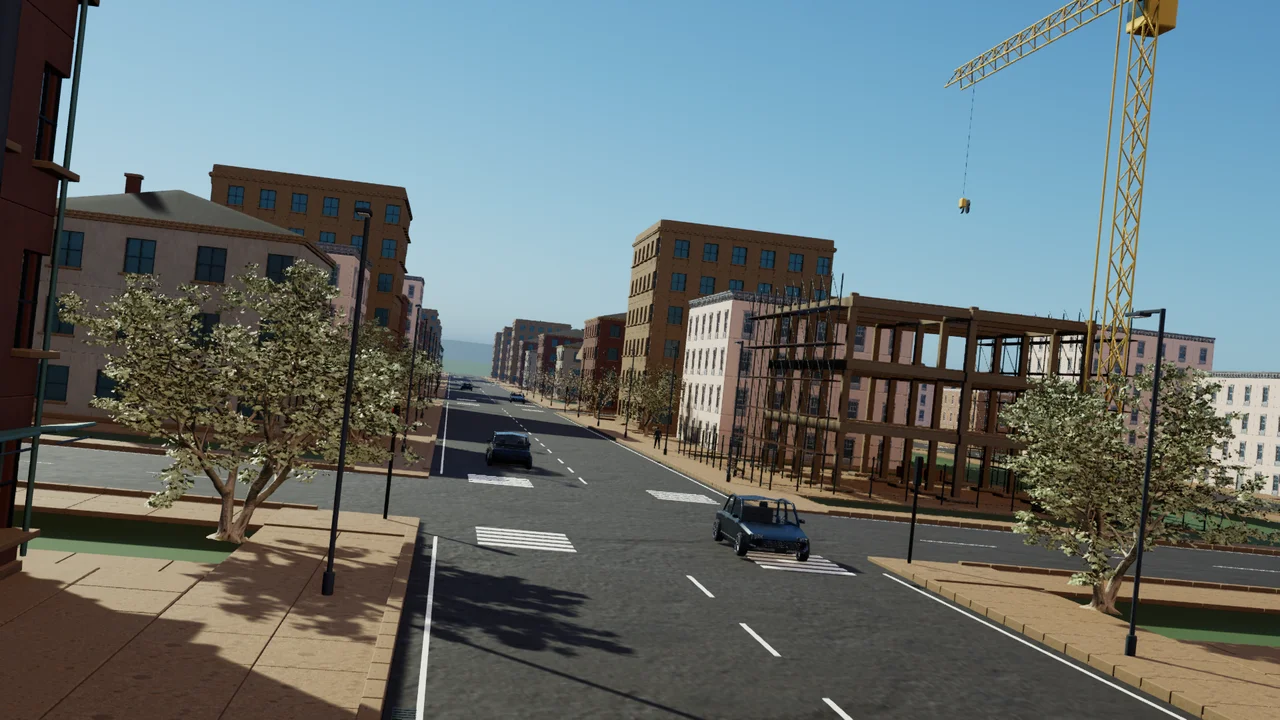
Construction at street level
Contractors build the homes and facilities a growing settlement needs. Keep projects connected to roads and supplies.
More detailed scaffolding, cranes and worksite activity are planned.
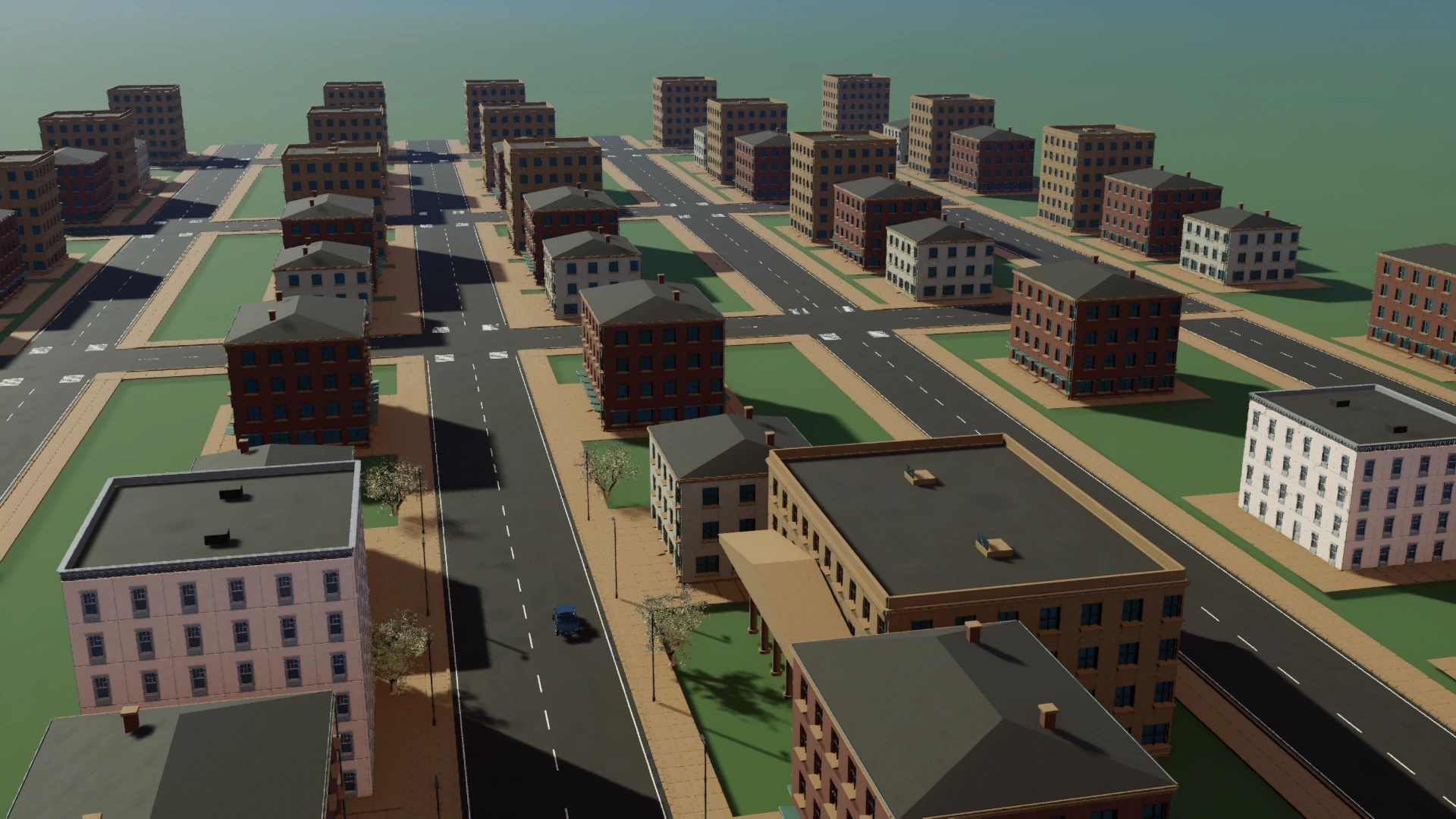
Country simulation for Windows and the browser
Start with a settlement.
Work out how to keep it running.
The country
Release land, connect roads and commission public facilities. Companies choose where to build. Households need homes, work and services.
Deliveries and commutes use the same roads. A busy junction can hold up more than the morning traffic.
Infrastructure
Connect homes and businesses to roads, transport and utilities. Delayed deliveries and interrupted services affect the people who depend on them.
Detailed rail structures and dock operations are visual concepts.
Government Mode
Set taxes and public spending, expand infrastructure and inspect the businesses and households that depend on it.
Walk through an existing district in Enter City, then return to the country overview.
Try Government Mode in the browser ↗A separate narrative game
You arrive for a handover. The government district is empty. Inside, the records do not explain where everyone went.
The separate Story Mode preview covers the prologue and Chapter 1. It is in development and is not yet available from the public launcher.
Development preview
The browser demo introduces Government Mode. The Windows launcher downloads the full game afterward.
This is not a stable final release. Keep backups of saves you want to retain.
Construction and transport
The simulation already includes construction, rail and freight. Some of the close-range detail shown here is planned rather than playable.
Concept
Contractors build the homes and facilities a growing settlement needs. Keep projects connected to roads and supplies.
More detailed scaffolding, cranes and worksite activity are planned.
Concept
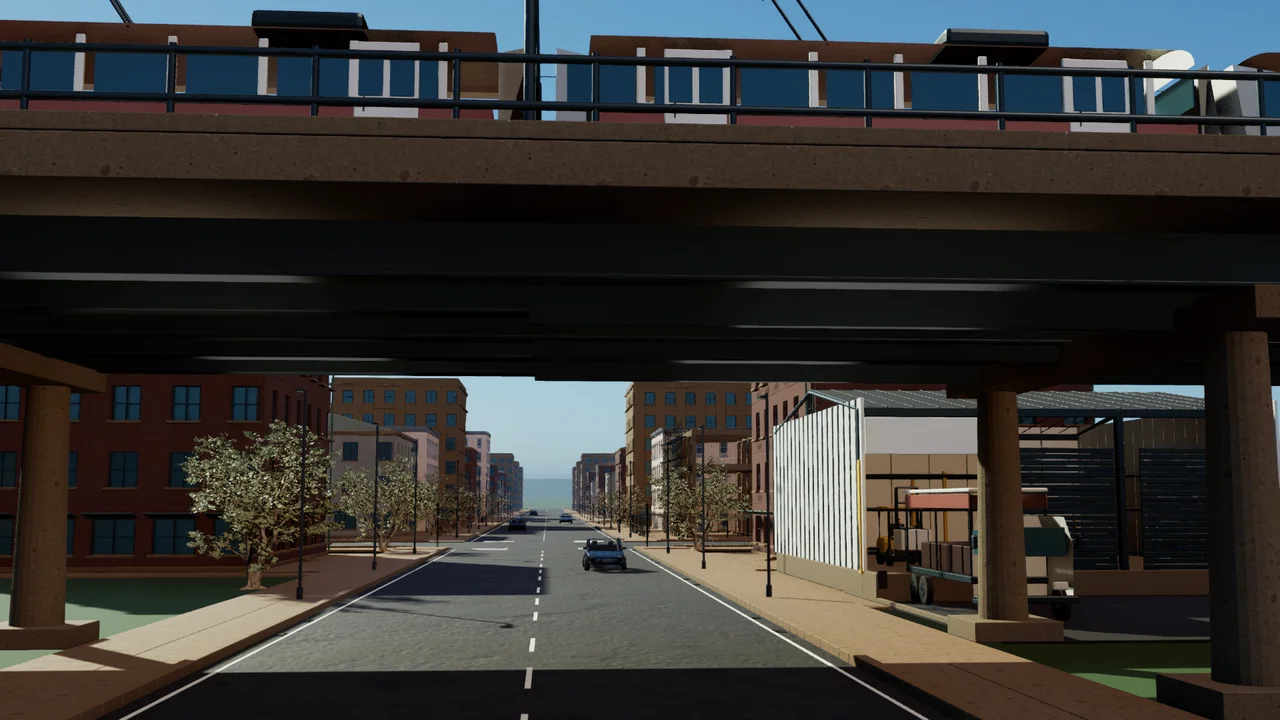
Rail provides connections beyond the local road network. Stations and their access roads need space as districts expand.
These elevated structures show the direction planned for closer views.
Concept
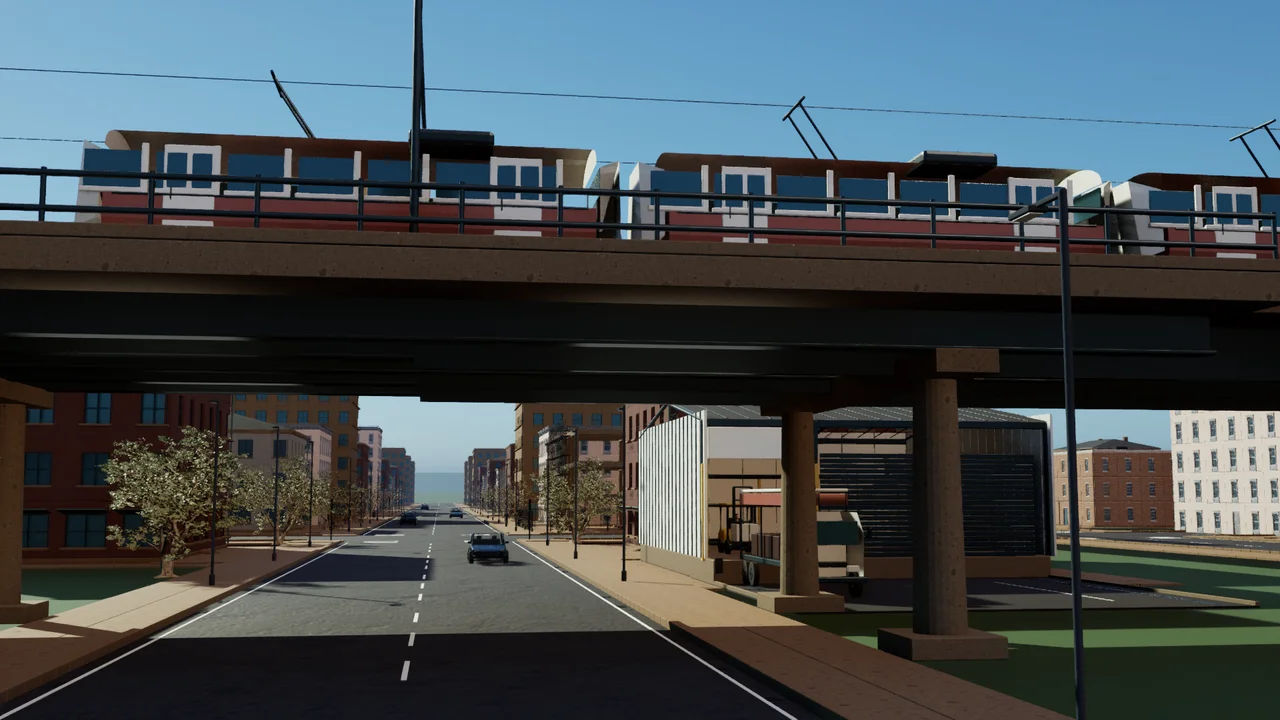
Businesses depend on deliveries. A shortage upstream or a blocked road can leave another company waiting for supplies.
Close-range forklift and dock handling are planned visual details.
From the playable previews
Government Mode, street exploration and the separate Story Mode preview.
1 of 4
Choose a version
Government Mode on Medium difficulty in a limited region. No session time limit. Export a backup before clearing browser data; browser storage can be removed or evicted.
Open demo ↗The published Unity preview, installed through the launcher. Government Mode, Enter City and the earlier Unity campaign. The separate Unreal Story Mode is not included.
Get launcher ↓The Missing Administration, prologue and Chapter 1 preview. In development. Public launcher distribution is pending.
Windows download
Open SignalCity Launcher, choose the game and let the download finish. The first installation needs internet access. Installed games can be launched offline.
Use the separate Story Mode entry only when it is marked available. Reinstalling the launcher does not publish an unreleased game.
Launcher Preview 2
Checking the published release.
DOWNLOAD LAUNCHER ↓Launcher first, then the game archive.
Checking integrity metadataBefore installing
A new unsigned installer may show “Windows protected your PC”. Check that you downloaded the official release and that its SHA-256 matches before considering “More info” and “Run anyway”. A matching hash is not a digital signature.
Do not disable Defender or SmartScreen. Do not bypass a threat detection. If Windows reports a threat rather than a reputation warning, stop and investigate.
Export the browser save and import it in the Windows game. No automatic cross-device synchronization is provided. Keep the exported file as a backup. Do not clear browser storage before exporting.
The Unity country simulation keeps its saves in %USERPROFILE%\AppData\LocalLow\Signal City Lab\Signal City\SignalCity\Saves. A display-name change does not move this folder. The separate Unreal Story Mode has its own save data.
The published game is a development preview, not a stable final release. Mobile gameplay is not certified. The separate Story Mode build is not yet published.
Use Display settings to choose reduced motion or still images. The demo and downloads remain available while a view loads.
Scroll to move through the city, stop to pause, or scroll up to return. Section links and Page Up or Page Down move to the selected view. Home and End select the first and last views. Escape closes dialogs. Display settings includes still images and reduced motion.